
Animal Face Swap: Human to Cat, Cat to Human
Animal face swap blends a person’s features into a cat or dog photo, or puts a pet’s face on a person, from one pet photo and one photo of a person.
- Free preview
- No sign-up to preview
- Cats and dogs
- JPG, PNG, WebP
Direction
Free preview, no account needed.
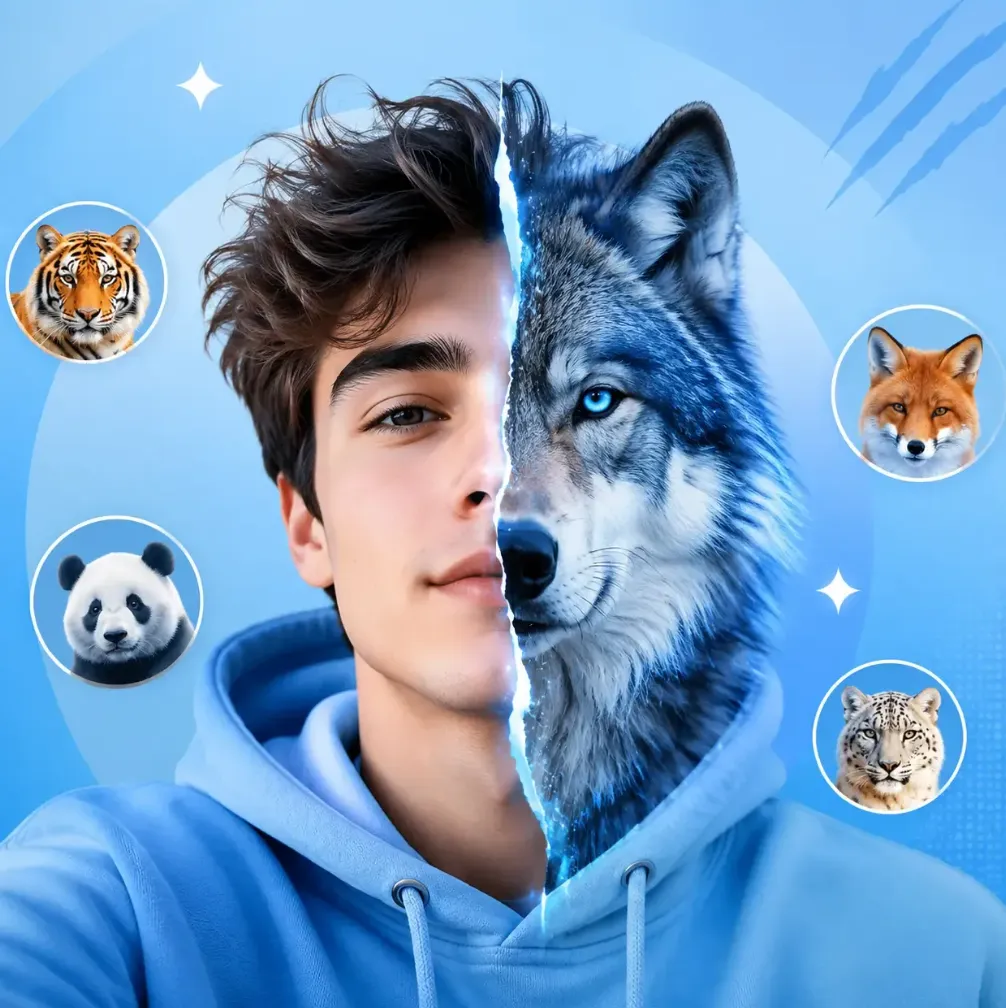
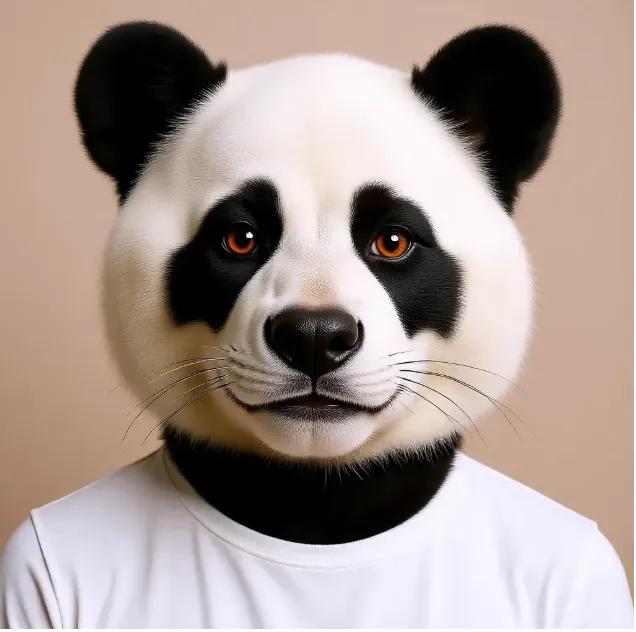
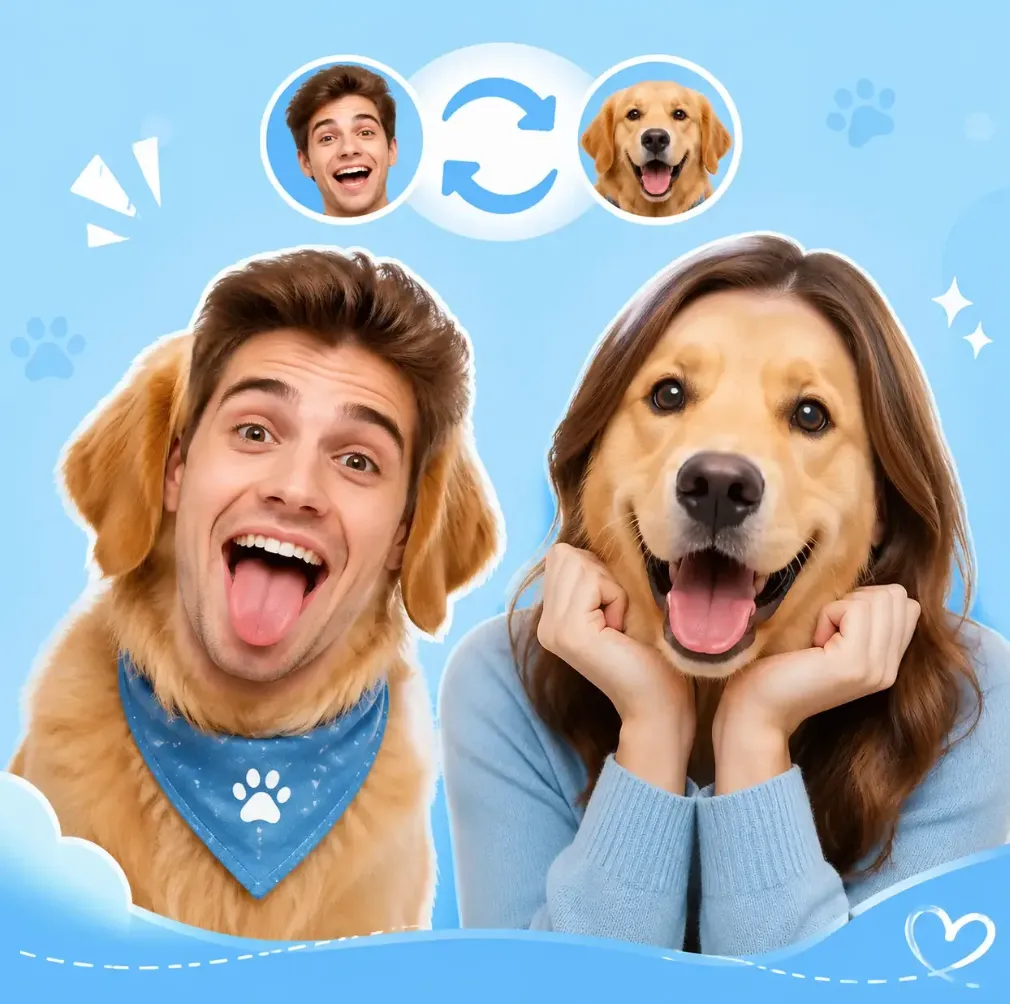
Two directions: human to animal, animal to human
Human to animal
The pet photo stays: fur, ears, body, and background. The eyes, brows, nose, and expression of the person are blended into the animal face. Good for a dog version of yourself on a birthday card.
Animal to human
The photo of the person stays: hair outline, clothes, pose, and background. The face is replaced by the pet face, turned to the head angle. Good for a profile picture where you are your cat.
How to do an animal face swap in 3 steps
- Step 1
Choose the direction
Human to animal keeps the pet photo and adds human features. Animal to human keeps the person photo and adds the pet face.
- Step 2
Upload two photos
One pet photo and one photo of a person, both facing the camera. The workbench shows which one keeps its body.
- Step 3
Swap and download
Check the eyes and the edge of the face, then download. Run it again for a different take.
Cat face swap and dog face swap: what works best
The same rules hold for both: a face toward the camera, both eyes visible, and the face filling a good part of the photo. A pet across the room gives too little to work with.
Cat face swap
Front-on cat photos at eye level work best. Flat-faced breeds such as Persians, and very dark fur, hide the shape of the eyes and nose, so the blend looks flatter. A cat squinting or mid-yawn gives an odd expression.
Dog face swap
Short-muzzle dogs such as pugs and French bulldogs are the easiest, because their faces are closest to a human layout. Long snouts like collies or greyhounds are harder, mostly in the animal to human direction. Ears that hang over the eyes hide them.
Angles that fail
A pet in profile, a photo from straight above that makes the nose huge, or a face partly behind a toy, a paw, or a bowl. The person photo should face the camera too.
Animal face swap vs head swap vs face swap video
| Compared | Animal face swap | Head swap | Face swap video |
|---|---|---|---|
| Who is swapped | A pet and a person | Two people | A person in a clip |
| What stays | The body and background of the photo you keep | The target photo; the head and hair change | Movement, timing, and the original audio |
| Input | Two still photos | Two still photos | A video clip and a face photo |
What this page does not do
- No video or GIF: still photos only. For a person in a clip, use face swap video.
- No whole-head replacement with hair. For people, that is head swap.
- One pet and one person per run; groups of animals are not supported.
- The face is redrawn by an image model rather than copied pixel for pixel, so each run looks a little different.
Limits and credits
| Limit | Value | Notes |
|---|---|---|
| Animals | Cats and dogs | These are what we test. Other animals are not promised. |
| Directions | 2 | Human to animal, or animal to human. |
| Faces per run | One | One pet and one person per swap. |
| Input type | Still photos | Videos and GIFs are not supported here. |
| Longest edge | 2048 px | Applies to both photos; larger ones are scaled down. |
| File size per photo | Up to 15 MB | JPG, PNG, or WebP. |
| Credits per run | 30 credits | Failed runs are refunded automatically. |
| Free previews without sign-up | 1 preview | Per 24 hours. |
Before and after
Usage rules
- Use photos of your own pets, or pets whose owners said yes.
- Use a photo of yourself or of an adult who agreed to this use.
- Celebrities, politicians, other public figures, minors, and sexual or degrading content are off limits.
Full rules are in the Terms of use. To report a swap that breaks them, email support@grokimagineapp.com.
Animal face swap FAQ
Is it free?
You get 1 free swap every 24 hours with no account. After that, each run uses 30 credits from a free account.
Which animals are supported?
Cats and dogs. Those are the animals we test and tune the result for. Other animals with a clear, front-facing face may work, but we do not promise it.
Can I use it on a video?
No, this page works on still photos only. Pets are not supported in video. To change a person’s face in a clip, use face swap video.
Can I use the result commercially?
Our terms let you use results for personal or commercial purposes, but you are responsible for the rights in both photos. For commercial use, get written permission from the person in the photo, and use pet photos you took or own.
Why does the result sometimes look off?
Usually it is the angle, the size of the face, or something in the way. A pet in profile, a face that is small in the frame, or a paw, toy, or hand over the face leaves little to work with. Very different head shapes, like a long dog snout on a human face, also blend less well. The face is redrawn on each run, so running it again gives a different take.
Related face swap tools
See also: GIF Face Swap, Multiple Face Swap, Head Swap, Batch Face Swap and Face Swap Video.
Last updated November 18, 2026