
AI Head Swap: Replace the Whole Head, Hair and Hairline Included
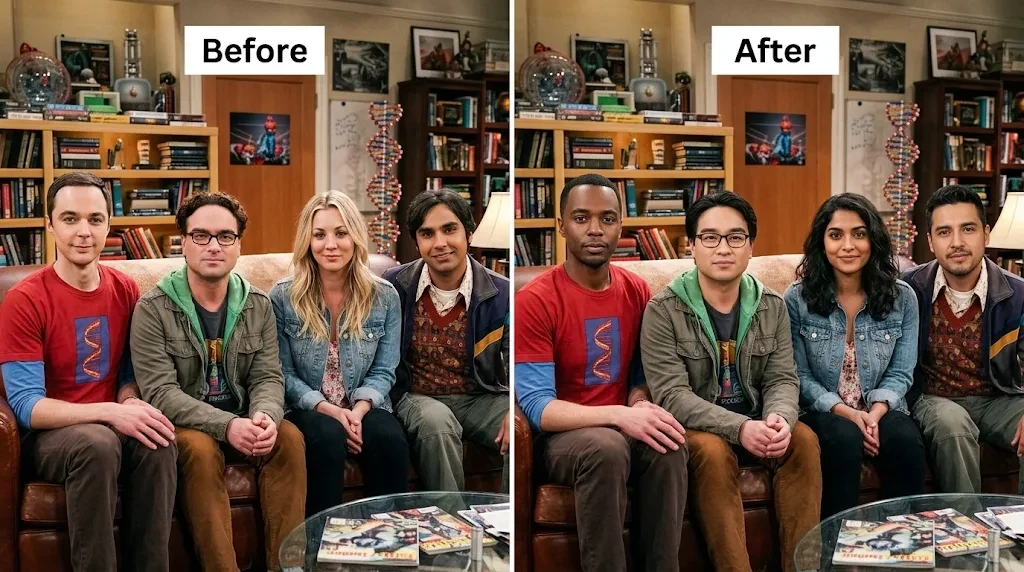
Put a new head on a photo, hair and all. The head is angled to sit on the original neck, then lit and blended to match the scene.
- Free preview
- No sign-up to preview
- JPG, PNG, WebP
Free preview, no account needed.
What a head swap changes
Most swap tools stop at the face. That is why a swapped result often looks off: the new features sit under someone else’s hairline, between someone else’s ears.
A head swap moves the whole head instead. Hairstyle, hairline, ears, and head shape come from the source photo. The body, clothes, pose, and background come from the target photo. The work is in the join: turning the head to the angle of the target neck, matching the direction and color of the light, and hiding the line under the jaw.
Head swap vs face swap
| Face swap | Head swap | |
|---|---|---|
| Eyes, nose, mouth | Replaced | Replaced |
| Hairstyle and hairline | Kept from the original | From the new head |
| Ears and head shape | Kept from the original | From the new head |
| Head angle | Kept from the original | Turned to fit the target neck |
| Join to fix | Around the face outline | At the neck |
| Best when | The original hair already suits the person | The hair or head shape is the point of the joke or the look |
How to use the head swap
- Step 1
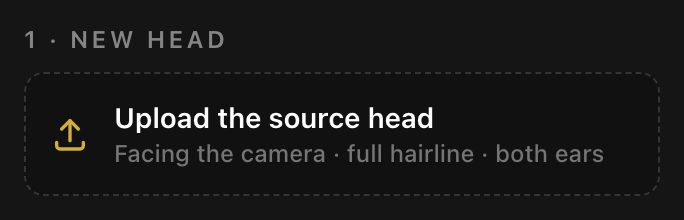
Upload the source head
A front-facing photo of the person whose head, hair, and hairline you want to use.
- Step 2
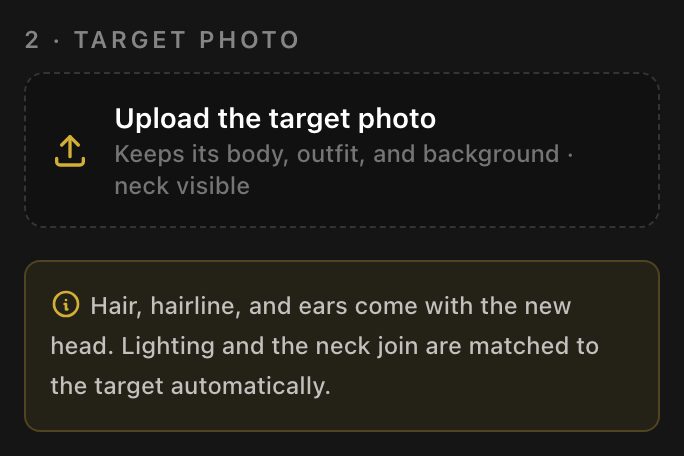
Upload the target photo
The photo that keeps its body, outfit, pose, and background.
- Step 3
Swap and check the neck
Run the swap, zoom in on the jaw and collar, and download when the join looks right.
How to do a head swap, step by step
Same idea as cutting a head out in a photo editor, minus the masking. Most bad results come from the source photo, so start there.
1. Prepare the source head photo
- Face the camera, chin level, with both ears visible.
- Show the full hairline and the top of the head. Hats and hoods get swapped too.
- Use soft, even light. A hard shadow across half the face is copied onto the result.
- Crop loosely around the head and neck. The background does not matter.
2. Choose a target photo that fits
- Pick a target where the neck is visible and the head is turned only a little.
- Similar camera height helps. A head shot from below rarely fits a body shot from above.
3. Check the neck and collar
- Lighting and the neck join are matched automatically, so there is nothing to set.
- Zoom in on the jaw line and the collar before you download. A high collar or a scarf is where a visible edge usually shows.
- If the skin tones are far apart, retouch the join in the image editor, or pick a target with a closer tone.
Why side profiles fail
A profile shows one eye, one ear, and half of the hairline. To turn that head toward the camera, the hidden half has to be guessed, and the guess rarely matches the real person: the hair parts on the wrong side, the far ear is missing, the jaw is flat. A three-quarter view is the most a source head can turn before this starts.
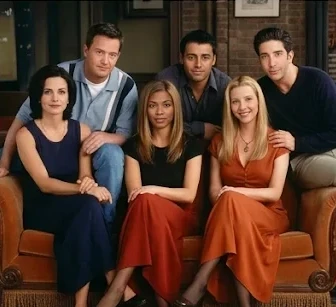
Head swap examples
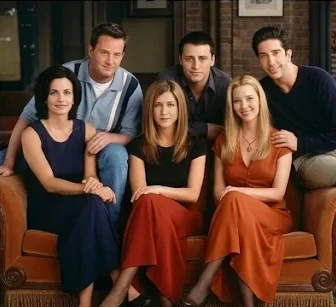
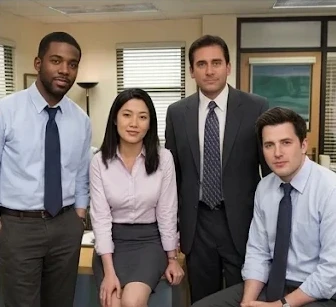
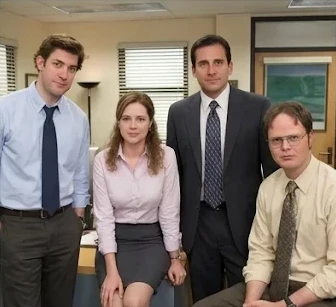
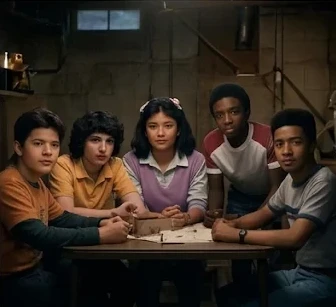
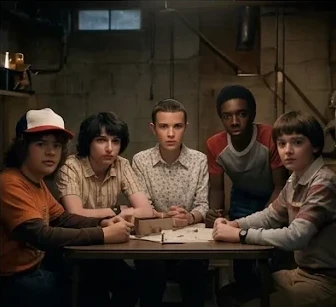
Head swap limits
| Limit | Value | Notes |
|---|---|---|
| Heads per run | 1 head | For a group shot, run it again for the next person. |
| Input type | Still photos | Video and animated GIFs are not supported. |
| Longest edge | 2048 px | Applies to both the source head and the target photo. |
| File size per photo | Up to 15 MB | JPG, PNG, or WebP. |
| Credits per run | 25 credits | Lighting and neck matching are part of every run, not extras. |
| Free previews without sign-up | 1 preview | Create an account to run more with credits. |
Usage rules
- Use a head photo of yourself or of an adult who said yes to this specific use.
- Only use target photos you took or have the rights to.
- Celebrities, politicians, other public figures, minors, and sexual or degrading content are off limits.
- Do not pass off a head swap as a real photo of a real event.
Full rules are in the Terms of use. To report a swap that breaks them, email support@grokimagineapp.com.
Head swap FAQ
What is the difference between head swap and face swap?
A face swap only replaces the eyes, nose, mouth, and skin inside the face outline. The hair, hairline, ears, and head shape of the original person stay. A head swap replaces all of that: the new head arrives with its own hair and hairline and is fitted onto the original neck and shoulders.
Can I use a side profile?
For the target photo, a slight turn works. For the source head, use a photo facing the camera. A side profile hides one eye, one ear, and half the hairline, so that half has to be invented, and it usually looks wrong.
How is the neck seam handled?
It is handled automatically on every run: the skin tone and shadow just below the jaw are blended into the target neck so there is no hard line. There is no setting for it. It works best when both people have similar skin tones and the collar does not cover the neck; otherwise retouch the join in an image editor afterwards.
Can I use a head swap commercially?
Our terms let you use generated results for personal or commercial purposes, but you are responsible for the rights in both photos. For anything commercial, get written permission from the person whose head you use and from anyone in the target photo.
Can I swap several heads at once?
Not currently. Each run swaps 1 head. For a group photo, run it once per person, using the previous result as the next target.
Is head swap free?
You get 1 free preview with no account. Further runs use the credits shown in the limits table.
After the swap
See also: GIF Face Swap, Multiple Face Swap, Batch Face Swap, Face Swap Video and Animal Face Swap.
Last updated November 17, 2026