
Multiple Face Swap: Map Every Face in a Group Photo
Upload a group photo, give each numbered face its own replacement, lock anyone who should stay as they are, and export everyone in one pass.
- Free preview
- No sign-up to preview
- JPG, PNG, WebP
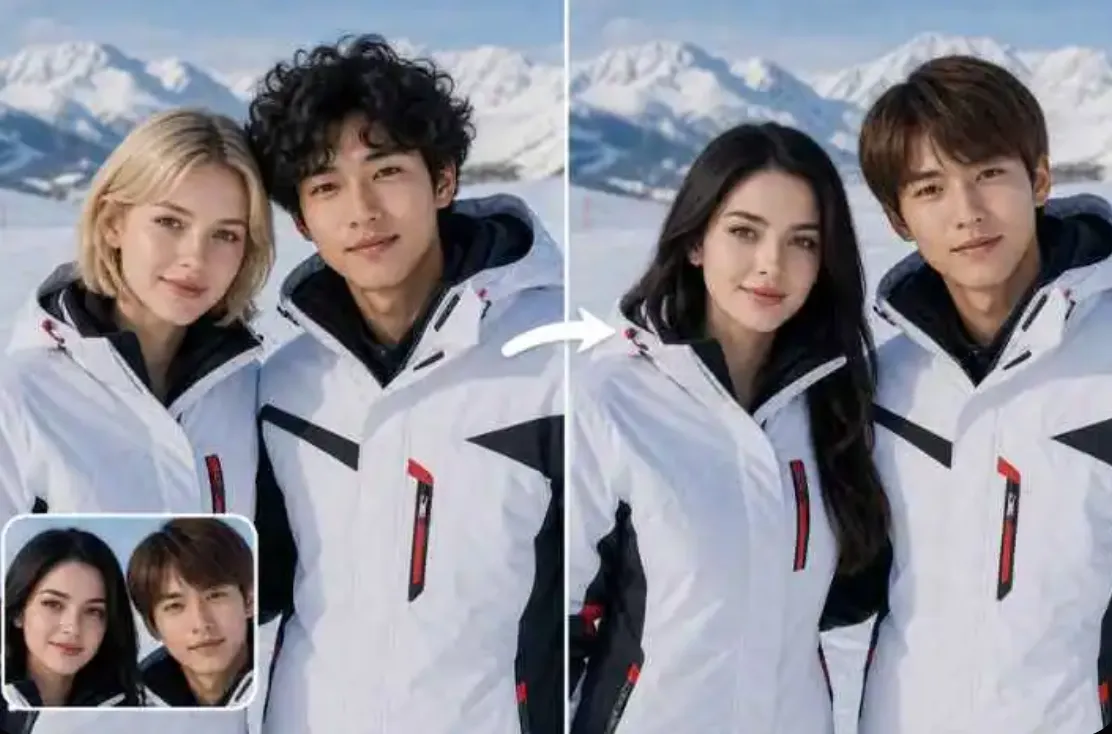
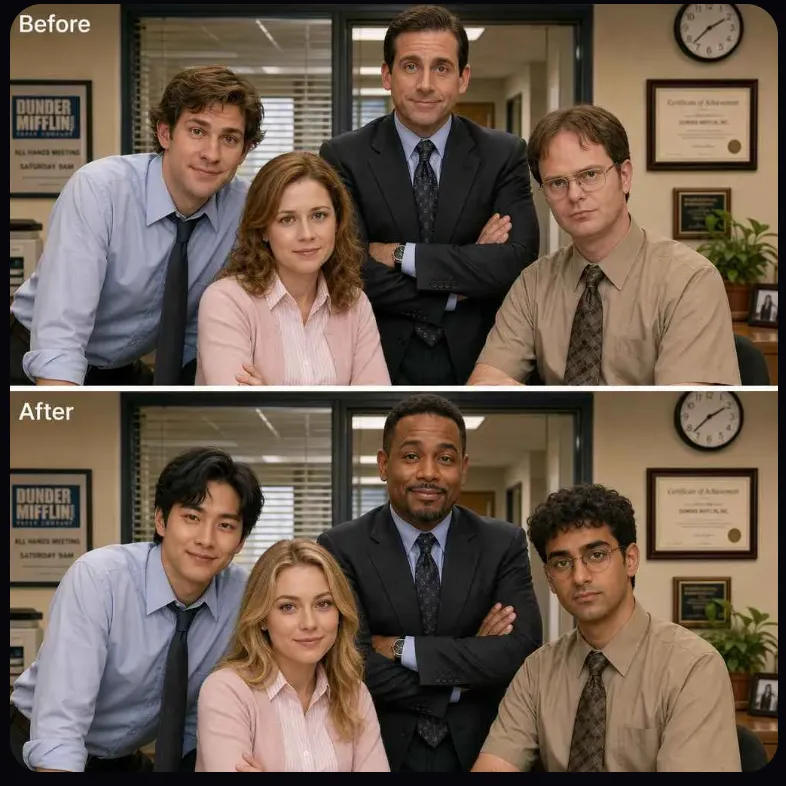
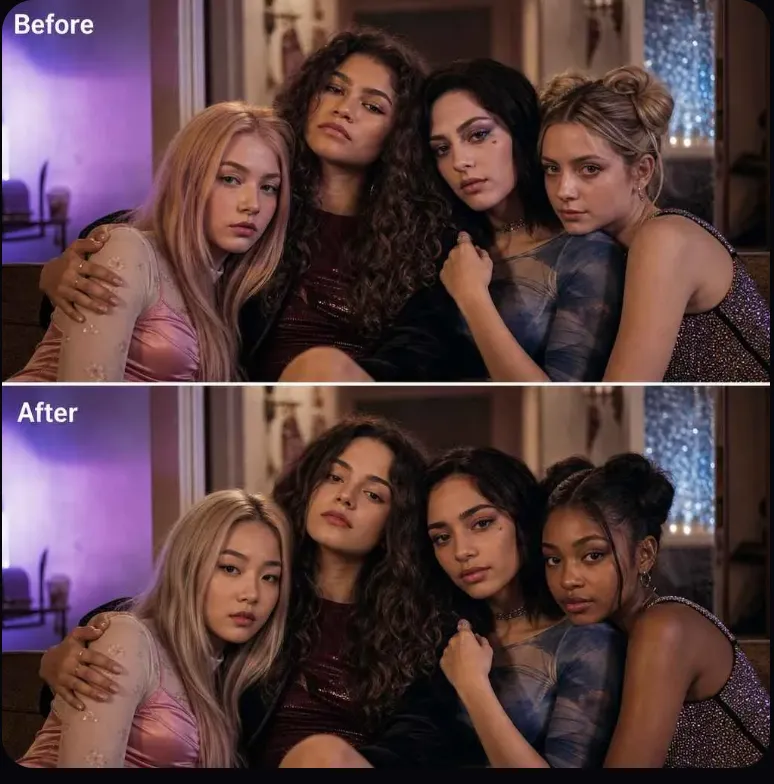
How a multiple face swap works
A single face swap assumes there is one person to change. Group shots break that: there are several faces, and you rarely want the same new face on all of them. A multiple face swap finds every face in the photo, gives each one a number, and lets you decide face by face.
You can give the first face source A and the third face source B, keep the second face exactly as it was, and run the whole photo once instead of swapping, saving, and re-uploading for each person.
How to swap multiple faces in one photo
- Step 1
Upload the group photo
Every face that can be found is outlined and numbered, left to right.
- Step 2
Assign or lock each face
Add the source faces, then pick one for each number. Lock the people who should stay unchanged.
- Step 3
Run once and check each number
All assigned faces are swapped in one pass. Compare each number in the preview, then export.
Group photo examples
Per-face mapping and locks
Every face found and numbered
Faces are detected across the whole photo, including the back row, and numbered so the mapping is unambiguous.
One source per face
Each number takes its own source face. Two people can get two different faces, or the same one, in the same run.
Lock the people you keep
A locked face is not sent through the swap at all. It is copied from your upload pixel for pixel.
Expression and partial cover
The swapped face follows the original smile, squint, or open mouth. Glasses usually carry over; a hand or hair across the face can leave a visible edge.
When a face cannot be swapped
Side profile
A face turned far to the side shows too little of the eyes and mouth. It may be found but come back looking flat or wrong.
Back of the head
No face is visible, so there is nothing to number. That person is left as they are.
Covered faces
Masks, a raised cup, or another person’s shoulder over most of the face stop detection or leave a visible seam.
Tiny faces
People far in the background may be too few pixels to detect, especially after a large photo is scaled down.
Multiple face swap limits
| Limit | Value | Notes |
|---|---|---|
| Faces per photo | Up to 8 faces | Faces past the cap are left as they are and marked in the photo. |
| Longest edge | 2048 px | Larger group photos are scaled down first, so small faces in the back row get even smaller. |
| Photo file size | Up to 15 MB | JPG, PNG, or WebP. |
| Credits per swapped face | 25 credits | Locked faces cost nothing. Refunded if the run fails. |
| Free previews without sign-up | 1 preview | A preview swaps up to 2 faces. Sign in to swap more. |
Use cases
Office and team photos
Swap the faces of colleagues who agreed to it for a farewell card or an internal joke slide.
Family and friends group shots
Give everyone at the table a different face for a reunion invite or a group chat.
Group memes
Change one or two people in a group reaction photo you took yourselves.
Usage rules
- Get permission from every person whose face is in the photo or used as a source.
- Lock the faces of anyone who did not agree to be changed.
- Public figures, celebrities, minors, and sexual content are not allowed in the group photo or in any source face.
- Do not post a result in a way that makes people think it is a real event.
Full rules are in the Terms of use. To report a swap that breaks them, email support@grokimagineapp.com.
Multiple face swap FAQ
How many faces can I swap in one photo?
Up to 8 faces in one photo. Faces past the cap are left untouched and marked, so you can see which people were skipped.
Can I swap just one person and leave the rest?
Yes. Lock every face you want to keep, give a source face to the one you want changed, and run it. Locked faces are copied from your photo as they are.
Does it work on videos?
No. This takes one still photo. Video is not supported here.
Does it work on GIFs?
Not for several people. Upload a still JPG, PNG, or WebP here. For an animated GIF with one face, use the GIF face swap tool linked below.
Will two people’s faces get mixed up?
Each numbered face only receives the source face you assigned to it, so the mapping does not cross over. Mix-ups can still look like they happen when two people overlap, when one face is half hidden, or when two faces are very close in size and angle. Check each number in the preview before you export.
How much can I use for free?
You get 1 free preview without an account. After that, each swapped face uses the credits listed in the limits table; locked faces are free.
After the swap
See also: GIF Face Swap, Head Swap, Batch Face Swap, Face Swap Video and Animal Face Swap.
Last updated November 17, 2026