
Fine-line botanical
Prompt
One fine-line tattoo concept on a plain warm-gray background. A single olive branch with open space around it. No words, no color, no skin, no jewelry.
Check
Look for one branch, clean gaps, and no stray letters.
AI Tattoo Generator
Continue after the tattoo concept
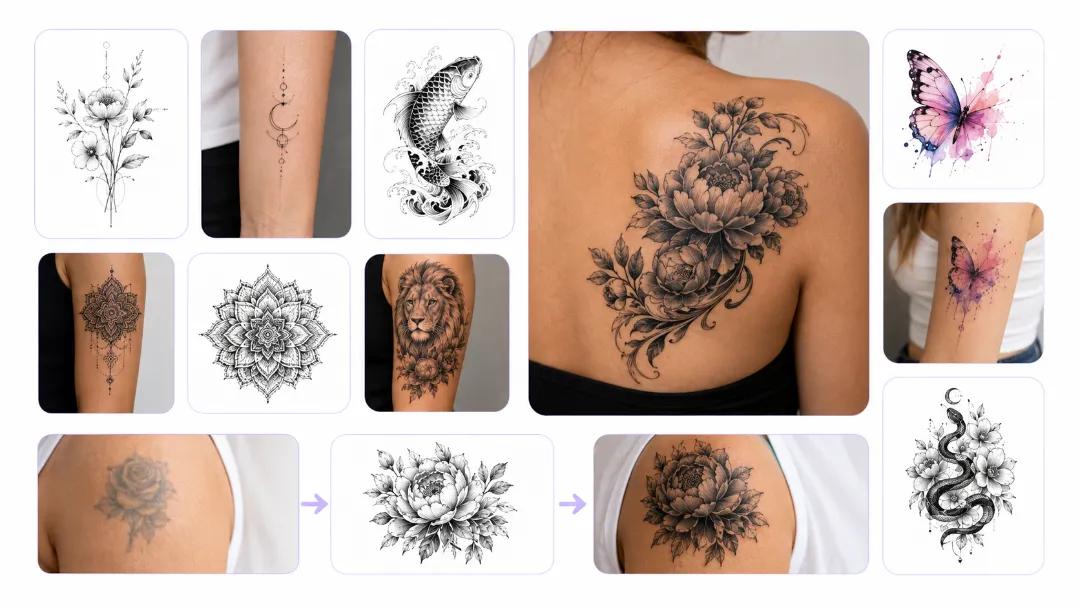
Images on these cards come from adjacent tools. They are not results from the AI tattoo generator.
Quick answer
An AI tattoo generator draws one design concept from a prompt or photo. It does not place ink or make a transfer. Check the lines before a session.
Use the AI tattoo generator to compare a fine-line tattoo, blackwork, or a small symbol before a consult. The result is not a stencil or a skin preview.
Default Grok Imagine returns up to 6 images at Standard quality and up to 4 at High quality. A reference photo limits that run to 1 image.
Tiny lettering, exact symmetry, and a copied existing tattoo are not reliable. A tattoo artist still has to redraw the design.
Last updated October 10, 2026
Examples
These recipes describe a design the AI tattoo generator can attempt. They are writing examples, not saved tattoos.
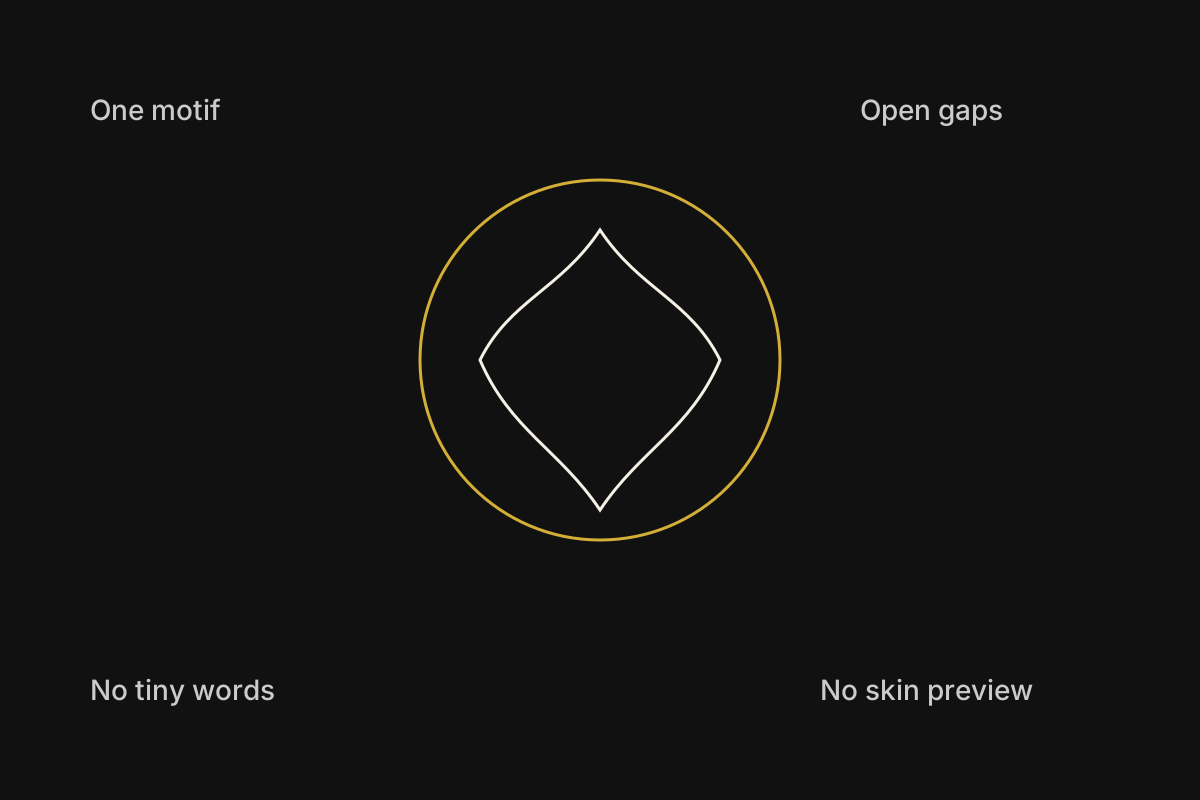
The diagram shows what to inspect on an AI tattoo generator result: one motif, open gaps, and no tiny words.
It is a review guide, not a tattoo result. If the outline breaks or letters appear, generate the design again.
No saved result is shown here. Default Grok Imagine can return up to 6 images, and a reference photo limits that run to 1 image.
Prompt
One fine-line tattoo concept on a plain warm-gray background. A single olive branch with open space around it. No words, no color, no skin, no jewelry.
Check
Look for one branch, clean gaps, and no stray letters.
Prompt
One blackwork tattoo concept, centered moth, solid black shapes and a few thin white gaps. Plain off-white background. No words, no body, no frame.
Check
Count the wings and reject extra legs or broken outlines.
Prompt
One tattoo concept, simple geometric sun with an even number of rays. Black ink only, plain background, no letters, no skin, no decorative border.
Check
Check that the rays repeat and the center stays circular.
Prompt
Use the reference photo only for the flower shape. Redraw it as a fine-line tattoo concept on a plain background. No words, no skin, no color fill.
Check
Compare the petal count with the photo. Expect one image, not a set.
Capabilities
The AI tattoo generator has four controls. Each one changes the design image. None of them sizes a stencil or places ink.
This tattoo design AI builds one design from the subject and ink style you name. Ask for one fine-line tattoo, a plain background, and no lettering.
Start when you know the subject but do not have a drawing. A concept image you can accept, redraw, or generate again.
Add a reference photo when the motif should follow something specific. Grok Imagine then returns 1 image, and the original photo stays unchanged.
Keep a flower, pet, or object closer to a picture you already have. One related design, not a trace of the photo.
Starter prompts tell the AI tattoo generator to leave words out and keep the background empty. Change only the subject or the line weight.
Skip a blank box when you know the style but not the wording. A prompt aimed at one design rather than a sheet of random flash.
After the lines make sense, edit the still. The AI tattoo generator does not replace a tattoo artist or a stencil program.
Spend the next credit on a design that already reads clearly. A handoff to a revised concept, not a machine-ready file.
Workflow
Follow four steps in the AI tattoo generator. The prompt, settings, and result stay in this browser until you clear them.
Name the subject, the line weight, and the empty background the AI tattoo generator should draw. Say not to add words or skin.
Use 1:1 for a compact flash design, or 3:4 for a tall piece. A wide frame leaves empty space that can look like a poster.
After the AI tattoo generator returns the images, check symmetry, extra parts, and any letters that appeared. The tool does not proof a stencil.
Download a design only after the lines are clear. Ask a tattoo artist to redraw it. Do not treat the image as placement or aftercare advice.
Choice
Match the job to the input before you spend credits. Only the one-design row is the main job of this AI tattoo generator.
| Job | Starting input | Use it when | Go elsewhere when |
|---|---|---|---|
| One tattoo concept | A subject, a line style, and a plain background | You need one design image from the AI tattoo generator. | You need a sized stencil, transfer paper, or a booked session. |
| Photo-guided motif | One object or flower photo plus a short style note | You want that reference to influence a single design. | The result must trace the photo or copy someone else's tattoo. |
| Words inside the design | A name, date, or short phrase | Do not rely on the AI tattoo generator to spell the words. | Have a letterer or tattoo artist draw the text. |
| A larger preview | A design you already accept | The concept itself is already good. | Use the image upscaler for a larger file. It still is not a stencil. |
Use cases
Each job starts with a motif and ends with a concept you still have to review.
User. A person comparing directions before a tattoo consult.
Input. A subject, a rough size, and a black-ink or fine-line tattoo choice.
Action. The AI tattoo generator makes one concept at a time, and the version with clean gaps is the one to keep.
Result. The consult gets a concept image. A tattoo artist still redraws anything that will touch skin.
User. A person turning a photographed flower or object into linework.
Input. A photo the person has the right to use.
Action. The AI tattoo generator makes a plain-background design so the shape can be compared with the source.
Result. The result is a motif study. It is not a trace and not ready to tattoo.
User. A designer comparing one symbol as a fine-line tattoo and as blackwork.
Input. One subject, with only the ink description changed between runs.
Action. The AI tattoo generator makes each version separately. Any image with letters or a body should be rejected.
Result. The comparison stays visual. Neither file is a stencil.
Limits
Read these limits before you spend credits or book a session.
The AI tattoo generator returns a picture of a design. It does not export a sized stencil, SVG path, or transfer sheet.
The AI tattoo generator does not place ink, choose a body area, or give skin-safe or healing advice. A tattoo artist has to make those decisions.
Names, dates, and short words can be misspelled or illegible. Leave text out of the prompt and add it by hand later.
Do not upload a tattoo you do not have the right to redraw. The generator also will not make a faithful copy of a reference.
Grok Imagine accepts up to 5 reference photos and a prompt of up to 5000 characters. A reference photo limits that run to 1 image. Changing the model can change both caps.
New accounts start with 30 credits. Standard costs 20 credits per run and High costs 25 credits per run, so the starter balance can pay for one Standard run. A download may still require a credit pack or plan. Another model can show a different cost before you generate.
FAQ
Straight answers about what the AI tattoo generator returns and what it refuses.
An AI tattoo generator makes one design concept from a prompt or a guiding photo. It does not place ink, size a stencil, or make a transfer. Default Grok Imagine can return up to 6 images at Standard quality and up to 4 at High quality. A reference photo limits that run to 1 image.
Do not count on it. The AI tattoo generator is stronger when the design has no words. Generated letters can be wrong or illegible.
Ask for a plain background instead. The AI tattoo generator does not map a design onto a body, judge placement, or decide whether a design is safe to tattoo.
Yes, when the selected model accepts a reference image. Grok Imagine accepts up to 5 photos and then returns 1 image. Use a photo you can publish. The original file stays as it was.
No. Take a clear concept to a tattoo artist. The AI tattoo generator does not size a stencil, place ink, or replace that consult.
Next step
Open the AI tattoo generator, describe one motif, and check the lines before you talk with a tattoo artist.
Generate a concept