
Raindance AI

Recent Generations

More Creations
Example

More video tools

These tools continue a different job: one start frame, a general reference draft, extra seconds, or a larger file.

Quick answer

Raindance AI turns two photos into a silent 15s clip

Raindance AI places one or two photos into a silent 15-second pier clip with Seedance 2.0 Mini.

Tag the person on the pier as @image1 and the singer as @image2.

The default clip is 15 seconds, 480p, and 16:9. It costs 180 credits. 720p costs 380 credits.

Raindance AI does not include the song, does not copy an official video, and is not the Raindance Film Festival.

Last updated October 12, 2026

Model
Seedance 2.0 Mini
Input
1-2 JPEG, PNG, or WebP photos, 10MB each
Template
15-second 16:9 example clip, already loaded
Default
15 seconds, 480p, 16:9, 180 credits
Larger
15 seconds at 720p costs 380 credits
Output
A new silent clip, not a soundtrack or locked shot list

Inputs

What photo should you upload for Raindance AI?

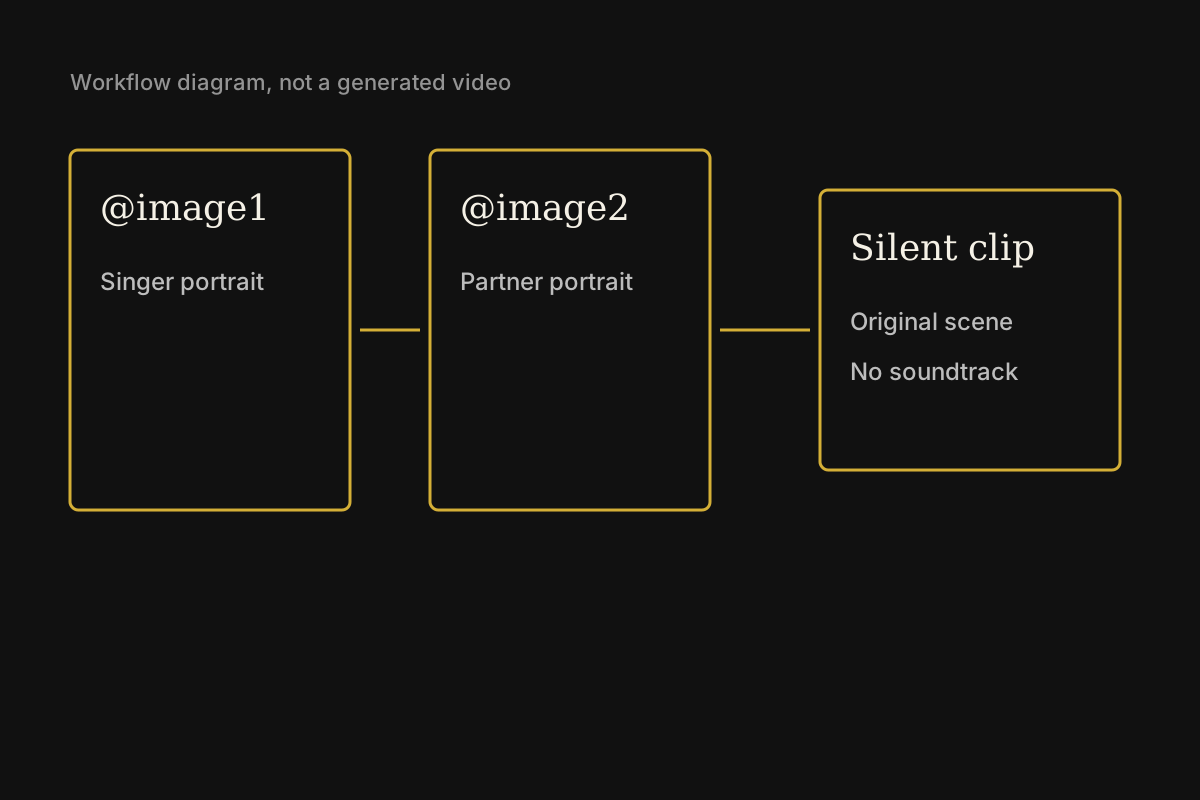
Workflow diagram for Raindance AI showing two portrait slots and a silent clip, not a generated video
This diagram shows the singer slot, the partner slot, and a silent result. It is not a finished video.

A usable input is a front-facing portrait with the face unobstructed, plus a second portrait when two people should appear. Sunglasses, group photos, and tiny faces give the model less to follow.

The clip is silent on purpose. Raindance AI never supplies the recording, and the mouth shapes are not aligned to a lyric. Post the file only after you watch it through once.

Raindance AI has no gallery of customer results. Treat the first generation as a test of these exact photos, not as a promise that a dock, a sunset, or a duet will match a video you saw elsewhere.

Controls

What can the photos control?

Raindance AI uses the photos to decide who should appear. The photos do not lock a pose, a camera move, or the first frame.

Give each photo a role

Two people can share one clip without being pasted into a collage.

Raindance AI sends the photos with the 15-second example clip. @image1 waits on the pier. @image2 is the singer. One photo is enough for a solo.

Result: One new clip that keeps the two people apart.

Follow the example clip

The result is a new silent scene guided by the loaded example.

The starter prompt keeps the shots in the example clip and asks Seedance 2.0 Mini to place the uploaded people into them. The file is new and silent, not an official video.

Result: A newly generated silent scene.

Price

What does one draft cost?

Check price before you run

Length and size stay visible, so the credit cost is not a surprise.

Raindance AI runs the full 15 seconds at 480p or 720p. 480p costs 180 credits. 720p costs 380 credits. There is no 1080p output and no shorter draft.

Result: A priced draft you can reject before posting.

Draft

Where is this draft saved?

Keep this draft separate

A Raindance AI draft does not wipe another video draft.

Prompt, photos, and recent results stay on this workbench. Image to Video, Photo to Animation, and the general reference workbench keep their own drafts.

Result: A saved setup you can reopen after login.

Steps

How do you make the clip?

  1. 01

    Upload clear portraits

    Add one JPEG, PNG, or WebP for a solo, or two for a pair. Each file can be up to 10MB. Use photos you have rights to publish, with one main subject in each file.

  2. 02

    Assign the tags

    Leave @image1 on the pier. Add @image2 only when the singer photo is actually uploaded. Delete the singer sentence for a solo so Raindance AI is not asked to invent a missing person.

  3. 03

    Pick frame, length, and size

    The frame is 16:9 and the length is 15 seconds, matching the example clip. Start at 480p for 180 credits. Choose 720p for 380 credits when the faces already look right.

  4. 04

    Generate and review the silent clip

    Sign in, confirm the credit line, and generate. Raindance AI returns a silent file. Watch the faces, hands, and ending before you download, extend, or upscale it.

Frame

Which length and frame should you pick?

The workbench follows the 15-second 16:9 example. This model cannot output 4:3. Stay at 480p until the people look right, because 720p costs 380 credits and still cannot repair a bad face.

Choose a workflow

When should you use Raindance AI?

When to use Raindance AI instead of a nearby video tool
JobResultUse instead
Two portraits in one new pier sceneRaindance AI follows the example clip and places @image1 and @image2 into those shots.Image to Video uses one still as the first frame and does not take the second portrait as a separate person.
Move the exact photo you uploadedRaindance AI does not lock the uploaded photo as frame zero.Image to Video animates one start frame. Photo to Animation is the illustrated-motion version of that one-photo job.
A longer or larger file after a keeper existsRaindance AI makes the silent clip first. Do not pay for a longer file until the faces hold.AI Video Extender adds 6 or 10 seconds. AI Video Upscaler enlarges a short MP4 or MOV.

Open image to video for one start frame, photo to animation for illustrated motion, or AI Video Extender after this clip already exists.

Situations

Where does a Raindance AI clip fit?

A pair who will not film on a dock

Two adults who already have separate portraits.

Start with One clear photo of each person. Upload both, keep @image1 and @image2, and generate the 15-second 480p clip.

A silent pier clip is ready to review. Add a sound you have rights to use only after the mouths and faces look acceptable.

A solo portrait

One person who wants the same sunset setup without a partner.

Start with One portrait tagged as @image1. Upload one photo as @image1 and delete the @image2 sentence before generating.

A silent 15-second clip follows the example around one person. Likeness is not guaranteed.

A cheap motion test

Someone checking whether these photos survive motion at all.

Start with The same one or two portraits. Generate the 15-second 480p clip for 180 credits before paying 380 credits for 720p.

A full silent clip is ready to reject or keep. Move to 720p only after the faces hold.

Limits

What will Raindance AI not do?

  • Raindance AI does not host, play, or attach the song. The file comes back silent.
  • Raindance AI follows the 15-second example clip. It does not copy an official music video, and it does not promise every cut will match.
  • Raindance AI is not affiliated with the recording artists, their labels, TikTok, Instagram, or the Raindance Film Festival.
  • Raindance AI can change faces, hair, hands, clothes, and the pier. Reject the clip if someone is no longer recognizable.
  • Raindance AI uses its loaded example clip plus one or two photos. It does not accept your own video or audio upload.
  • Raindance AI has no 1080p output. The clip length is fixed at 15 seconds.
  • Raindance AI welcome credits, when present, are 30. That does not cover the 180-credit 480p clip.

Questions

Common questions

What is Raindance AI?

Raindance AI places one or two portraits into a silent 15-second pier clip with Seedance 2.0 Mini. It is not an official artist product, and it is not the Raindance Film Festival.

Does the clip include the song?

No. Raindance AI does not include the song or any soundtrack. If you post the clip, add music only where you have the right to use it. Mouth movement will not be timed to a specific track.

Can Raindance AI use two photos?

Yes. Upload two photos and keep @image1 for the person on the pier and @image2 for the singer. One photo is enough for a solo if you delete the singer line.

Is the generator free?

Opening Raindance AI costs $0. Generating the 15-second clip spends credits: 180 at 480p and 380 at 720p.

Will the people stay recognizable?

Not reliably. Raindance AI follows the example clip and uses the photos as guidance. Check the full 15 seconds. If a face, hand, or outfit drifts, do not post that file.

Next

Make the silent clip

Upload the portraits, confirm the tags, and generate. Raindance AI spends credits only when you run it. Download the silent clip if the people still look like the photos.

Upload photos