
9 Best Free AI Video Generators in 2026
A research comparison of free AI video generators in 2026: daily vs monthly vs one-time credits, watermarks, and commercial rules from official vendor pages. Not a quality ranking of every tool.
"Free AI video generator" is a category, not a promise. Almost every 2026 cloud tool meters you by the day, the month, or a one-time pile of credits. The useful question is what that grant actually buys: how many finished clips, whether a logo sits on the file, and whether you can run ads.
Two market-research houses size the same-looking category differently, so this article names both and does not average them. Fortune Business Insights (updated 15 June 2026) puts the AI video generator market at USD 716.8 million in 2025 and USD 847 million in 2026. Grand View Research estimates USD 788.5 million in 2025 and USD 946.4 million in 2026. Demand is not the same as a usable free tier.
This is a research list from vendor pages fetched on 4 September 2026. It is not a 30-tool lab test. For Grok-specific free starts, see free Grok Imagine alternatives. For the button-by-button sequence, see how to make AI videos for free.
Key Takeaways
- IAB (5 May 2026) projects US digital video ad spend to surpass $80 billion in 2026. That is why commercial-use clauses on free plans matter.
- Credit refresh differs: Google Flow is daily, Pika is monthly, Runway Free is one-time 125 credits, Wan local is unmetered if you own a GPU.
- HeyGen Free is 3 videos a month and, in HeyGen Terms section 4, personal, non-commercial, internal evaluation only.
- Kling Basic lists no monthly credits and no commercial use on the official table. Ignore "66 credits a day" posts unless your in-app balance shows them.
- Gemini API Veo 3.1 has no free tier. Flow's 50 daily credits are a different product (Gemini pricing, Flow Help).
What "free AI video generator" means in 2026
Four refresh models show up again and again. Mixing them is how listicles invent "unlimited."

- Daily cloud credits. Google Flow: 50 a day, no rollover.
- Monthly cloud credits. Pika Basic: 80 a month.
- One-time cloud credits. Runway Free: 125 credits that do not refresh.
- Local weights. Wan 2.2: Apache 2.0, you supply the GPU.
DataReportal Digital 2026 reports that 94.6% of online adults watched online video in the past 30 days. Wyzowl finds 91% of businesses already use video as a marketing tool. The leftover problem is production cost, not whether video exists.
1. Google Flow with Veo 3.1 - Best documented daily credit number
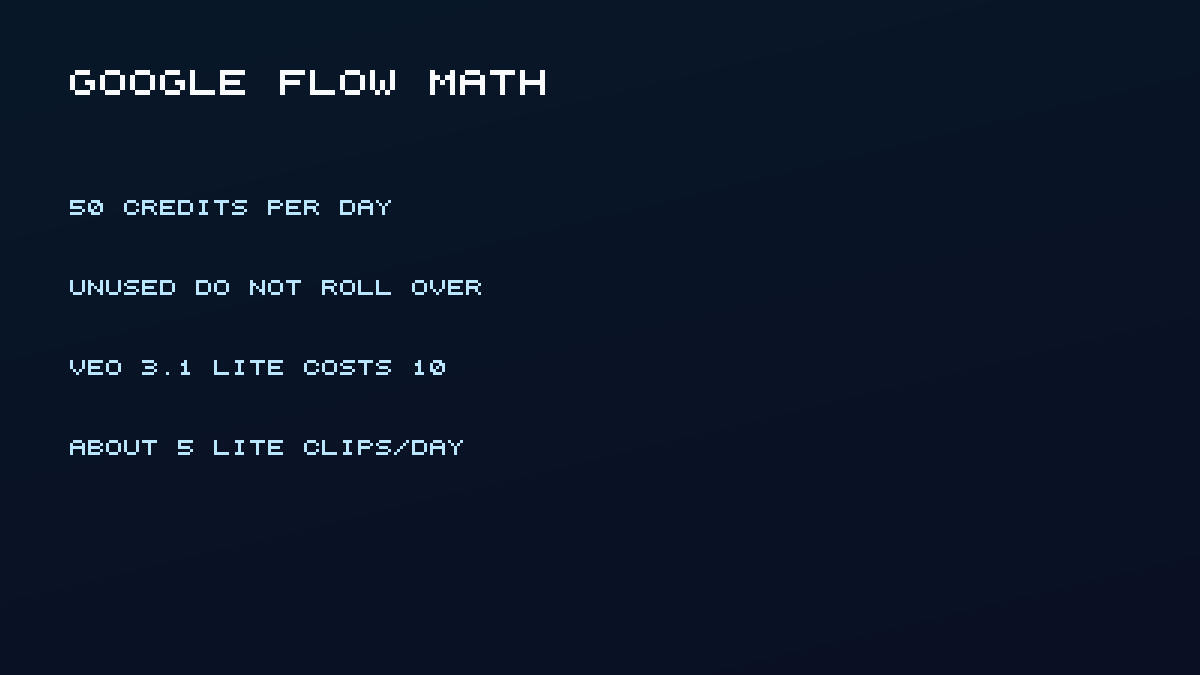
Non-subscribers get 50 Google Flow credits per day. Unused daily credits do not roll over. Veo 3.1 Lite costs 10 credits per generation for non-Ultra users, so a careful day is about five Lite clips. Fast is 20. Quality is 100. 1080p upscaling is not available without a Google AI plan (Flow Help).
Best for: Short Veo Lite clips you can still start at $0, with a published daily budget.
Pricing: Plus adds 200 Flow credits a month, Pro 1,000. Ultra adds more monthly Flow credits on the help page. The Gemini API still lists Veo 3.1 free tier as not available.
Google DeepMind's Veo 3.1 1080p and 4K upscaling clip shows the paid resolution story. Those upscales are not the 50-credit free day.
2. GrokImagineApp - Best free start if you want Grok-style text-to-video plus images
This site operates GrokImagineApp. It is independent of xAI, Grok, and X. Signup grants 30 credits with no credit card. Eligible accounts then collect 3, 3, 6, 3, 3, 3, and 9 credits across seven daily check-ins (30 more). A video run costs 25 credits, so the welcome gift covers one short clip. An image costs 20 credits. Week one, if you check in and do not retry, is two videos or three images.
Use the Grok video generator when you already have a written scene. The welcome gift plus seven daily check-ins is 60 credits if you do not retry (pricing).
Best for: One Grok-style clip today, then a second clip if you finish the seven-day check-in.
Pricing: After the grant, the Trial Pack is $4.98 for 500 credits (about 20 short videos or 25 images). The checkout page accepts a promotion code if you have one. See pricing.
3. Pika Basic - Best monthly refill for short 480p clips
Pika pricing lists Basic at 80 monthly video credits, Pika 2.5 at 480p only, and 5-second 480p text-to-video at 12 credits. That is about six short clips if that is all you run. The same official table checkmarks watermark-free downloads and commercial use, which is why this slot exists. Third-party blogs often invert those rows, so cite the live table and confirm the checkmarks in your account before you send a file to a client. 720p and 1080p Pika 2.5 are paid; "Pika free" is not 1080p cinematic output.
This is the monthly stylized-short lane, not a Grok-style workspace.
4. Runway Free - Best commercial-ok grant that still watermarks the file
Runway's free plan details give a one-time 125 credits, 5 GB storage, and watermarked video. Credits do not expire and do not refresh. You cannot buy more credits on Free (credits FAQ). Commercial-use FAQ: Runway does not add a non-commercial restriction.
Spend the pile on a prompt that already works. If you need a refill, you have left Free.
5. Kling AI Basic - Best motion check, weakest official free grant
Kling belongs on a free-video list because motion is often why people leave a Grok or Flow draft. It does not belong there as a hidden unlimited plan. Kling's credit guide lists Basic at $0, no monthly credits, and generated content is not for commercial use. Watermark removal is a member perk. Non-members must keep the brand watermark or disclose Kling generation. Roundups that still say "66 credits a day" did not match the official Basic row on 4 September 2026; check the in-app balance and do not plan a client delivery on Basic.
6. Luma Dream Machine Free - Best to skip if you need ads later
Luma payments describe Free as draft-resolution Ray video and watermarked 720p images for personal use. Licensing says Free and Lite watermarks cannot be removed later, even after you upgrade, and commercial rights start at Plus.
Best for: Personal experiments.
Catch: Official pages do not publish a numeric free clip count. Do not invent one. Do not mix web Free with Luma API terms. If you later need ads, starting on Free can strand a watermark on the file.
7. HeyGen Free - Best talking-avatar trial, not a cinematic generator
HeyGen pricing lists Free at 3 videos per month, up to 1 minute, Avatar IV access, 500+ stock avatars, 30+ languages, no credit card. Watermark removal is a paid column. Creator is $29 a month.
Best for: Scripted presenter videos, not Grok-style scenes.
Catch: Terms §4 grant Free users a license solely for personal, non-commercial, and internal evaluation. Output may not be sold, used in ads, or used in client work. Voice cloning and 175+ languages start at Creator, not Free. Count HeyGen as an avatar trial, not as a replacement for Flow or this workspace.
8. CapCut - Best free finish, dangerous if you ignore asset licenses
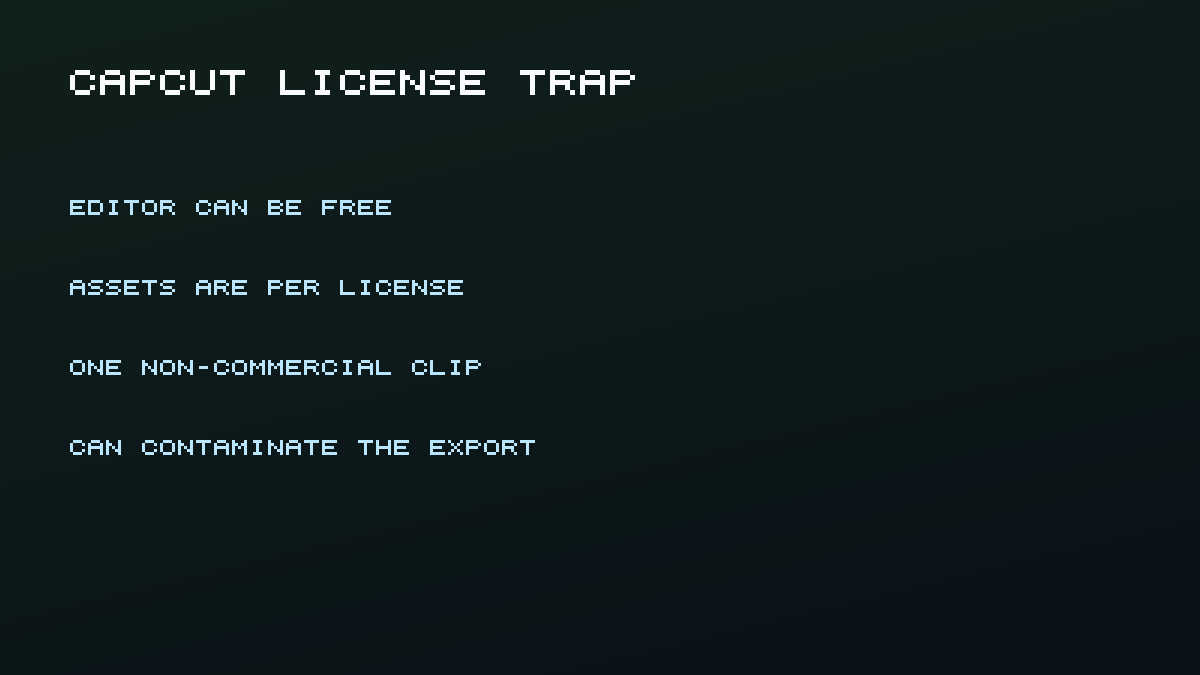
CapCut is an editor with AI features, not a frontier text-to-video model. It is the tool most people actually use to crop, caption, and export after a generator. Exports can be logo-free for many standard projects (CapCut no-watermark resource), while some templates and Pro features still force a mark.
Best for: Captions, ratio, and posting after generation.
Catch: Materials License is per asset. Mix one non-commercial stock clip, sound, or AI asset into a Dual Use timeline and the whole export can become non-commercial. Confirm every asset before you run ads.
9. Wan 2.2 local - Best unlimited generator if you already bought the GPU
Wan 2.2 is Apache 2.0. The README says the authors claim no rights over generated contents, subject to the license and illegal-content rules. TI2V-5B is described as 720p at 24fps and runnable on a 4090-class card. Hosted wan.video quotas are a different product and were not verified here.
Best for: Repeatable local volume after you already validated a prompt in a cheaper cloud tool.
Catch: A 4090-class card is not a free plan. It is a hardware plan. No GPU means this option is not free.
Wyzowl also reports that the share of video marketers using AI tools rose from 51% in the 2025 report to 63% in the 2026 report (266 respondents, late 2025). That includes editing aids, not only text-to-video, which is why a free generator still has to survive a commercial-use clause.
Google DeepMind's ingredients demo, Veo 3.1 blend textures, characters and objects, is useful after you already understand Flow credits. How To Create AI Videos from Text compares Kling, Veo, Pika, and Runway without pretending any of them is unlimited.
Refresh, watermark, and commercial rules compared
| Tool | Refresh | Countable free unit | Watermark | Commercial on free |
|---|---|---|---|---|
| Google Flow | Daily | 50 credits; ~5 Lite clips | SynthID; visible logo unverified | Not on credits page |
| GrokImagineApp | Welcome + 7-day check-in | 30 then +30; 25/video | No xAI Grok mark | Yes, per Terms |
| Pika Basic | Monthly | 80 credits; ~6 x 5s 480p | Official: none | Official: yes |
| Runway Free | One-time | 125 credits | Yes | Yes, per Runway FAQ |
| Kling Basic | None listed monthly | Official: 0 monthly | Keep mark or disclose | No |
| Luma Free | Unspecified count | No official clip number | Yes; cannot remove later | Personal only |
| HeyGen Free | Monthly videos | 3 x 1 min | Yes on Free | Non-commercial |
| CapCut | Editor | AI quota unverified | Varies | Per-asset |
| Wan 2.2 | Local | Hardware-limited | None from license | Authors claim no rights |
How we selected these
We opened first-party pricing, help, and legal pages on 4 September 2026. This is a nine-tool research set, not a ranking of every generator. Vidu, Hailuo, Sora, InVideo, and Canva were left out because this pass did not verify a countable free video grant on a first-party page. Aggregator starter credits and "unlimited Veo in AI Studio" claims were dropped. HeyGen, Zapier, and WaveSpeed listicles were used only as SERP context, not as sources for numbers.
Disclosure: GrokImagineApp is this site's product and appears as one of nine options. No other vendor paid for a slot.
Frequently asked questions
Is any AI video generator unlimited and free in the browser?
Not among the cloud products above. Local Wan is unmetered only after you pay for a GPU and power.
Which free tier has no watermark?
Pika's official Basic table lists no-watermark downloads. Confirm in-product. Runway Free watermarks. HeyGen Free watermarks. xAI Imagine watermarks even when paid (Grok FAQ). Google uses SynthID on generative media.
Can I use free-tier clips in YouTube ads?
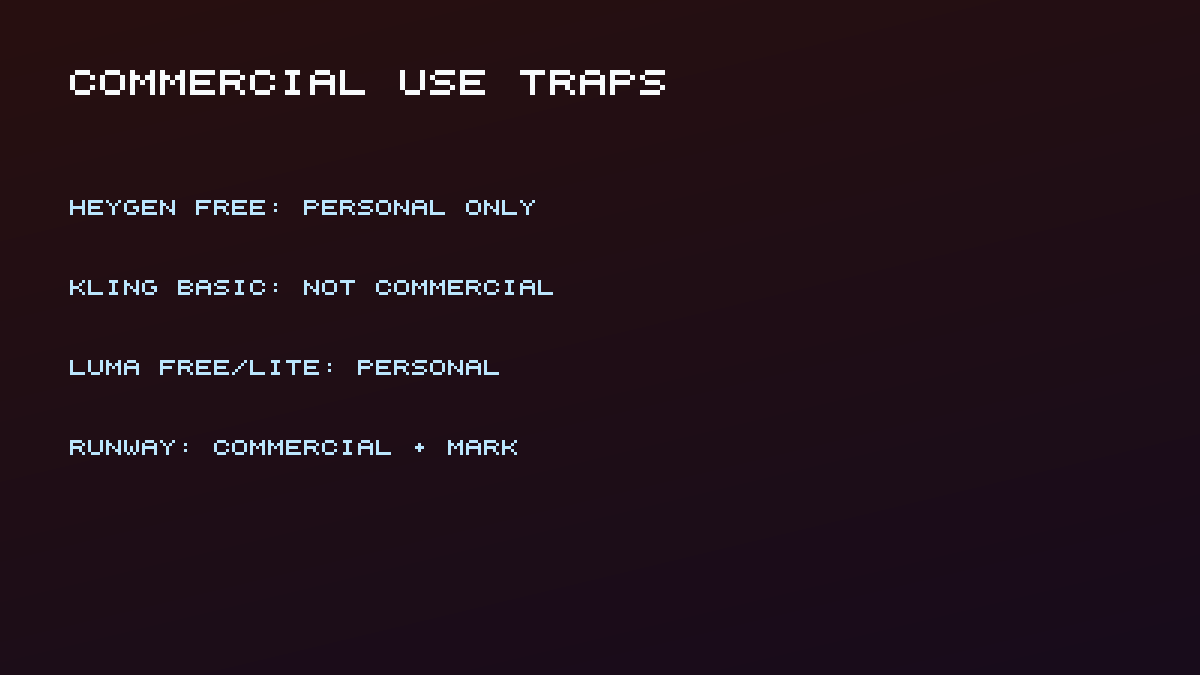
Only if that vendor's free license allows commercial use. HeyGen Free, Kling Basic, and Luma Free/Lite do not. Runway says commercial use is allowed. Pika's official table says commercial use. CapCut depends on every asset on the timeline.
Conclusion
If quality-per-free-day is the goal, Flow Lite is the published math to beat. If you want a Grok-style clip without SuperGrok, use the 30-credit welcome grant on this site. If you need a talking avatar, HeyGen Free is the trial, not the ad license. If you need volume, budget hardware for Wan or a small top-up.
Continue with how to make AI videos for free, or jump into the Grok video generator. Editorial ownership is on about. Corrections go to contact. Legal terms are at terms.