
Free Grok Alternatives for Image (2026)
Free grok alternatives for image in 2026, including free alternatives to Grok Imagine AI image generator. Ranked by quota, watermark, and commercial rules, without the SuperGrok plan.
People searching for free grok alternatives for image usually want a still they can start today, not a $30 SuperGrok invoice. The same job shows up as "free alternatives to Grok Imagine AI image generator 2026" and "best free alternatives to Grok Imagine 2026." This page is that list. Official Grok Imagine is not a free image and video factory in 2026. xAI's pricing page lists image and video generation on SuperGrok at $30 a month, not on the $0 Free row. Paid users share one weekly usage pool that rolled out in June 2026, and Extra Usage Credits start at $5 on the web (Grok FAQ).
This is a research list, not a studio bake-off. Each tool was scored against public vendor pages fetched on 4 September 2026: a countable free grant, watermark rules, commercial language, and whether you need an account. Affiliate posts that promise unlimited Veo or "66 Kling credits a day" are treated as stale unless an official page repeats the number.
If you already hit an official limit rather than a price wall, start with the Grok Imagine free limit guide and the Grok Imagine alternative. If the wall is the SuperGrok subscription itself, open the SuperGrok free alternative. If the wall is the $300 SuperGrok Heavy tier or a free-trial search for Heavy, open the SuperGrok Heavy guide. This article stays the list: what you can start for $0.
Key Takeaways
- Official Grok Imagine image and video generation sits on paid SuperGrok, not the Free plan, and the Grok watermark has no removal setting (xAI pricing, Grok FAQ).
- "Free" in 2026 usually means a quota, a watermark, a commercial catch, or all three. Count finished clips, not slogans.
- Google Flow still gives non-subscribers 50 credits a day. Unused daily credits do not roll over. Veo 3.1 Lite costs 10 credits per generation for non-Ultra users (Flow Help).
- Pika Basic lists 80 monthly video credits, 480p Pika 2.5, downloads with no watermark, and commercial use on pika.art/pricing. That official table contradicts many listicles.
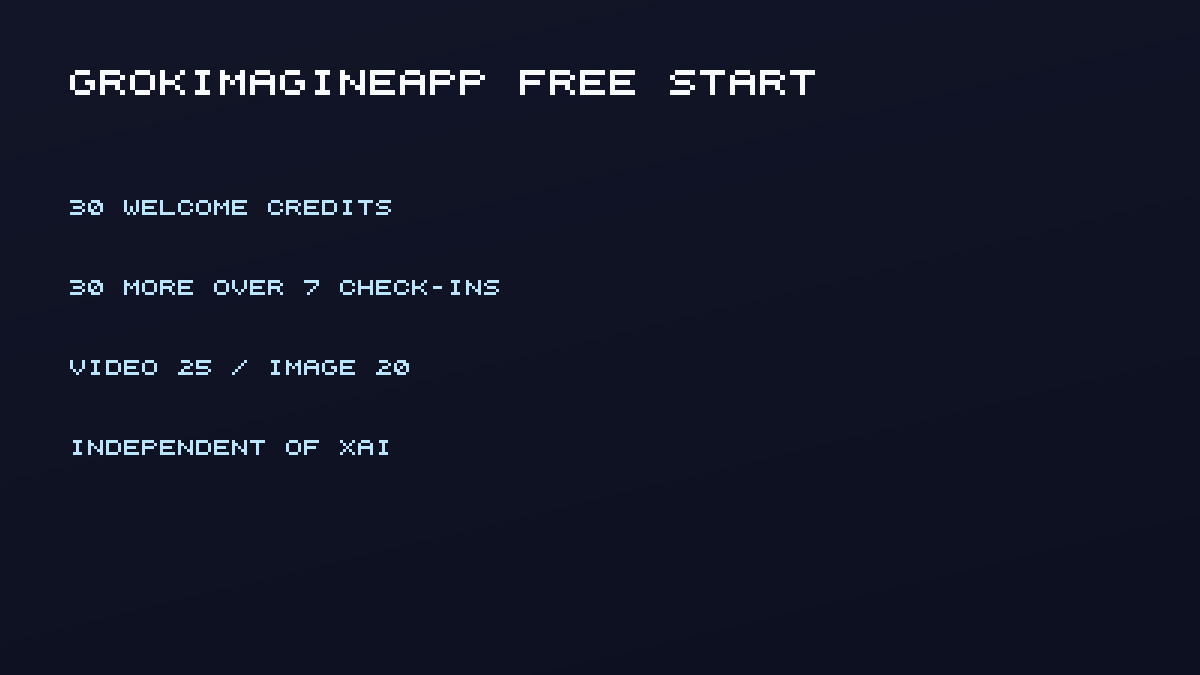
- GrokImagineApp, which this site operates and is independent of xAI, grants 30 welcome credits and 30 more across seven check-ins. A video costs 25 credits, so signup covers one short clip. Follow terms.
Best free alternatives to Grok Imagine AI image generator in 2026
The best free alternatives to Grok Imagine in 2026 are the six $0 starts below, not a second SuperGrok invoice. Rank them by the still you need today:
- GrokImagineApp if you want a Grok-style image generator without buying SuperGrok. Signup covers one short clip or a still plus leftover credits.
- Google Flow if you already have a Google account and can spend 50 daily credits on Veo Lite.
- Pika Basic if you want a published monthly video allowance and the official table still lists commercial use.
- Kling Basic only to check motion. The official Basic row is not a commercial image factory.
- CapCut after you already have a file to crop and caption.
- Wan 2.2 local if you own a 4090-class GPU and want unmetered volume.
This is an image-first list. Short video is included only when the same free grant can output a clip. If the blocker is an official limit banner rather than price, leave this list and open the Grok Imagine alternative. If the blocker is the SuperGrok plan itself, open the SuperGrok free alternative. If you are deciding on SuperGrok Heavy (~$300/mo) or chasing a Heavy free trial, open the SuperGrok Heavy guide or Is SuperGrok Heavy worth it?.
How this list defines a free Grok Imagine alternative
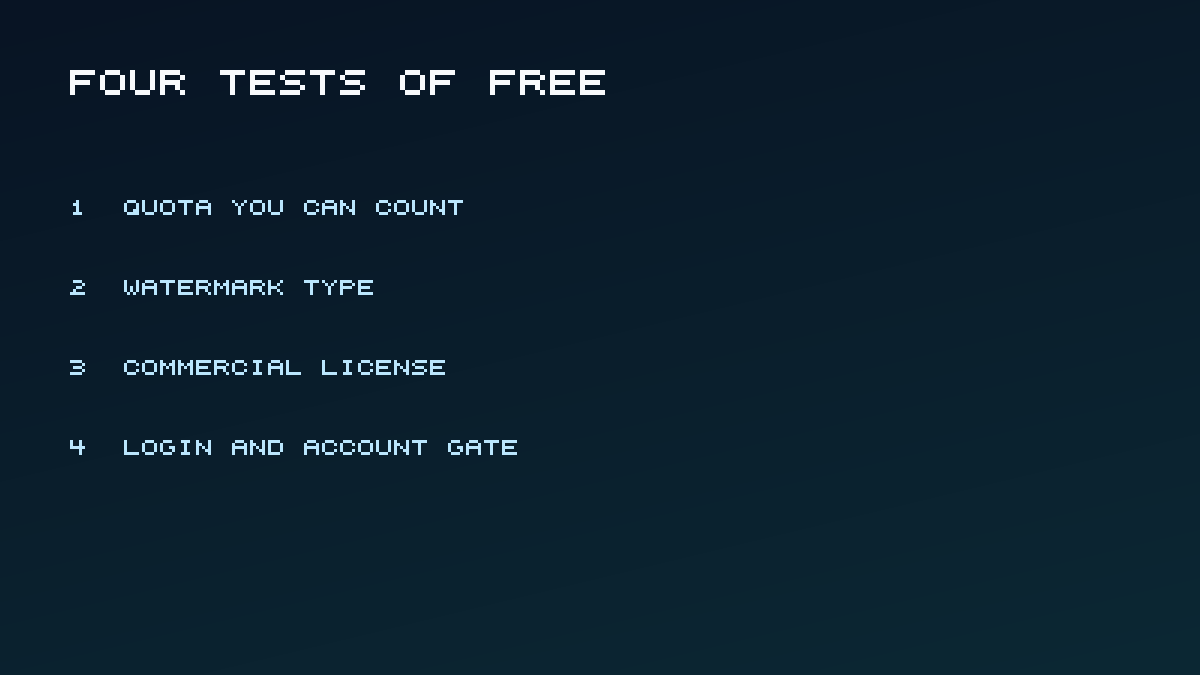
A tool belongs here only if a new user can generate an image or a short video without buying SuperGrok or X Premium first. Four tests decide the ranking, not brand heat.
- Quota you can count. Daily, monthly, one-time, or local GPU. If the official page has no number, the copy stays qualitative.
- Watermark type. Visible logo, invisible provenance such as Google SynthID, or none from the vendor.
- Commercial license. Personal and evaluation-only is not the same as ads and client work.
- Login gate. Almost every cloud tool needs an account. Local Wan needs a GPU instead.
Wyzowl's Video Marketing Statistics 2026 surveyed 266 people in late 2025 and found that 63% of video marketers had used AI tools to create or edit marketing videos, up from 51% the year before. Cost is still a blocker: 24% of marketers who skip video say it is too expensive. That is the reader this list is for.
1. GrokImagineApp - Best free start for a Grok-style workspace without an X plan
GrokImagineApp is the only option on this list that keeps image generation, image editing, and short video in one credit wallet without requiring an X or SuperGrok subscription. This site operates it. It is independent of xAI, Grok, and X.
Why it is here: New accounts receive 30 welcome credits with no credit card. Eligible accounts then collect 3, 3, 6, 3, 3, 3, and 9 credits across the first seven daily check-ins (30 more). Images cost 20 credits. Videos cost 25 credits. Signup covers one short video. A completed week-one stack covers two videos or three images.
Best for: Creators who like Grok-style drafts and want to keep going when official Imagine is gated, without waiting on a weekly pool.
Catch: This is a 13-day reward journey, not unlimited daily video. Days 8-12 unlock prompt packs rather than more credits. Credits, safety filters, and rights still apply.
Pricing after the grant: The Trial Pack is $4.98 for 500 credits (about 20 short videos or 25 images). Checkout accepts a promotion code if you have one. See pricing.
Why official Grok Imagine is not a free start
Official Grok Imagine is still the native xAI product. It is not one of the six free starts. People searching for a free alternative often assume grok.com still includes Imagine on Free. The pricing table puts image and video generation on SuperGrok at $30 a month, not on Free. SuperGrok Plus at $100 a month is the plan that calls out 1080p video.
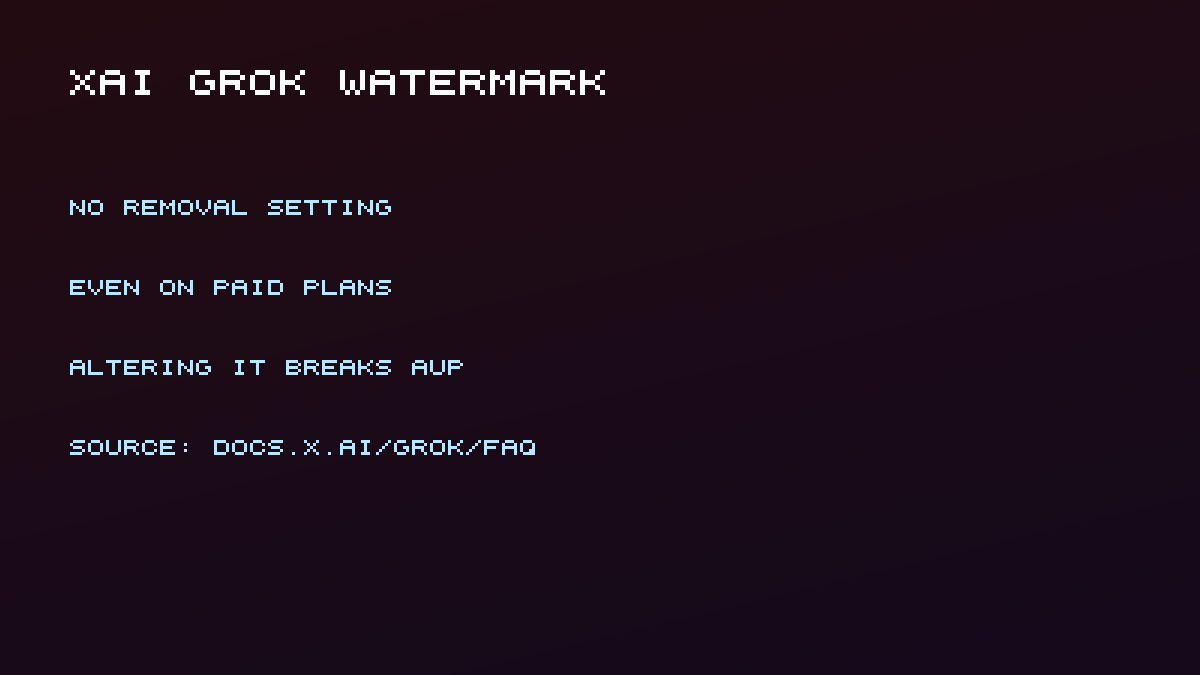
Generated images and videos include a Grok watermark. There is no setting to remove it. Altering or hiding it violates xAI's Acceptable Use Policy (Grok FAQ). 720p can fall back to 480p after a tier cap. The Imagine API is separate pay-per-use: $0.02 to $0.05 per image and $0.050 or $0.080 per second of video (xAI developer pricing).
If the problem is a limit message rather than price, stay on the Grok Imagine free limit guide before you switch models.
SuperGrok free alternative
SuperGrok is xAI's paid plan, not a second image app. A SuperGrok free alternative is a workspace you can open without that subscription.
GrokImagineApp is the Grok-style option on this list: 30 welcome credits, Google signup, no SuperGrok purchase. That grant is counted. Images cost 20 credits and a short video costs 25, so signup covers one clip, not a month of unlimited Grok.
If you want official grok.com Imagine, watermark included, SuperGrok is still the native path. If you already pay SuperGrok and only need more official runs, extra usage credits stay on xAI. Compare those wallets on the Grok Imagine credits guide. The dedicated SuperGrok free alternative page is for the price-wall query; this article keeps the wider free-image list.
2. Google Flow with Veo - Best documented daily video grant
Google Flow is the strongest official free-tier video path that still publishes a daily number.
Why it is here: Non-subscribers receive 50 Google Flow credits per day. Unused daily credits do not roll over. The refresh starts on your first generation of the day. Veo 3.1 Lite costs 10 credits per generation for non-Ultra users, which is about five Lite clips if you spend nothing else (Manage your Google Flow credits, fetched 4 September 2026). 1080p upscaling is not available to non-subscribers.
Best for: Short cinematic drafts when you already have a Google account and can work inside Flow's daily budget.
Catch: The Gemini API lists Veo 3.1 Free Tier: Not available (Gemini API pricing). Flow credits and API credits are different products. Google has watermarked over 100 billion images and videos with SynthID (Google, 19 May 2026). Treat visible-logo-by-plan claims from 2025 blogs as unverified unless Flow shows them in-product.
Google's own walkthrough, Create with Flow, is the cleanest way to see projects, ingredients, and frames-to-video without a "unlimited free" pitch.
3. Kling AI Basic - Best to try human motion, not to ship ads
Kling belongs on a Grok alternative list because motion is the usual reason people leave a Grok draft. It does not belong there as a hidden unlimited free plan.
Why it is here: Kling's own credit guide lists Basic at $0 with "No monthly Credits" and "generated content is not for commercial use." Watermark removal and commercial use start on paid Standard (Kling VIDEO 3.0 credit guide). Non-members must keep the brand watermark or disclose Kling generation (user policy).
Best for: Checking whether a second motion pass beats your Grok-style draft.
Catch: Roundups that still say "66 free credits per day" did not match the official Basic row on 4 September 2026. Check the in-app balance. Do not plan a client delivery on Basic.
For model-quality questions after a Grok draft, use the Grok Imagine vs Kling vs Veo comparison instead of this free-tier list.
4. Pika Basic - Best monthly allowance for short 480p clips
Pika is the rare vendor that still publishes a monthly free video credit number and, on the same table, commercial use plus watermark-free downloads.
Why it is here: Basic is $0 with 80 monthly video credits. Text-to-video at 5 seconds and 480p is listed at 12 credits on Free, which is about six short clips if that is all you run. Pika 2.5 on Free is 480p only. The same page lists "Download videos with no watermark" and "Commercial use" on Basic (Pika subscription pricing, fetched 4 September 2026).
Best for: Stylized short clips and Pikaffects-style tricks on a monthly refill.
Catch: Many 2026 listicles still say Pika watermarks free exports and blocks commercial use. Cite the live pricing table, then confirm the checkmarks in your account before you send a file to a client. The credit matrix lists 12-credit Free text-to-video; Pikaffects on Basic is image-to-video only. Confirm text-to-video is actually enabled on Basic in-product. Higher resolutions on Pika 2.5 are paid.
5. CapCut - Best free editor path after you already have a clip
CapCut is not a Grok-style generator. It is the free tool people actually use to crop, caption, and export social cuts.
Why it is here: The editor is free to open. A CapCut no-watermark resource says many standard exports have no automatic logo, while some templates and Pro features still force a mark.
Best for: Turning a generated clip into a post.
Catch: The Materials License Agreement is per asset. Mix one non-commercial asset into a Dual Use timeline and the whole export can become non-commercial. Do not treat a "CapCut Pro" marketing line as a blanket commercial license. Confirm each stock, sound, and AI asset before you run ads.
6. Wan 2.2 local - Best truly unmetered option if you have a GPU
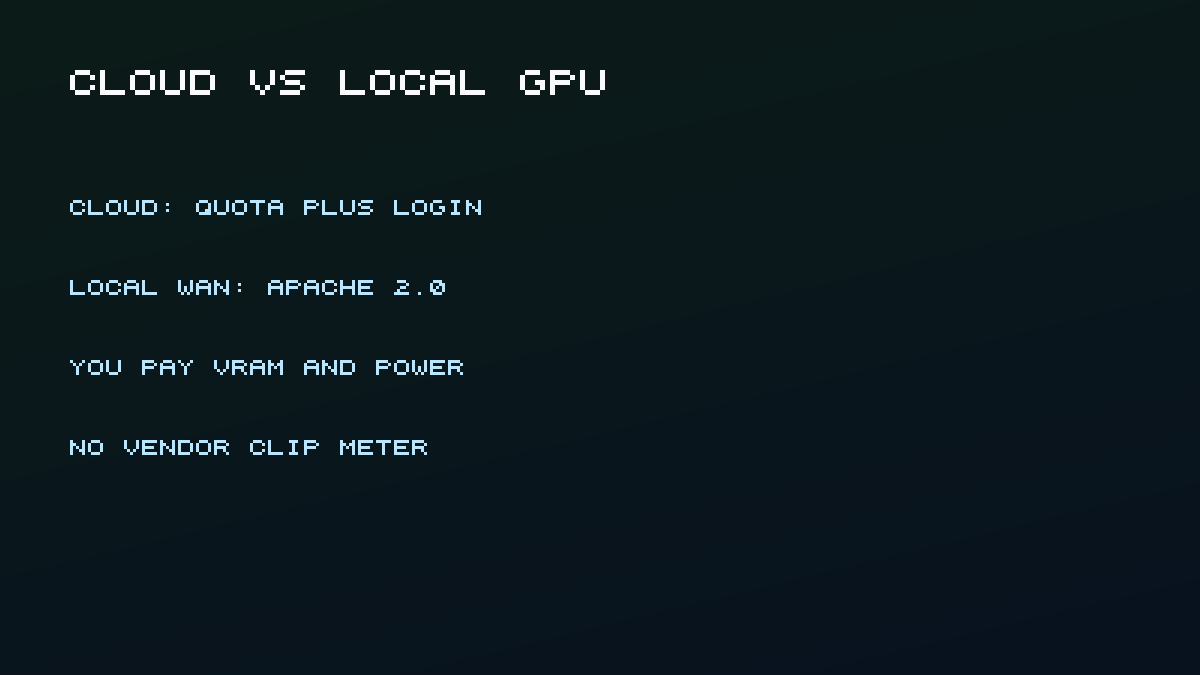
Local open-source video is the only "free" that is not a cloud quota. You pay electricity and VRAM.
Why it is here: Wan 2.2 is Apache 2.0. The README says the authors claim no rights over generated contents, subject to the license and illegal-content rules. TI2V-5B is described as 720p at 24fps and runnable on a 4090-class card.
Best for: Repeat generation after you have already validated a prompt in a cheaper cloud tool.
Catch: wan.video hosted quotas are a different product and were not verified here. No GPU means this option is not free. It is also not a Grok-style workspace. Use it when you need volume, not when you need the official Imagine look.
An independent comparison that stays honest about limits is How To Create AI Videos from Text, which walks through Kling, Veo, Pika, and Runway and states that free options cap what you can do.
Quota, watermark, and commercial rules compared
| Tool | Best for | Free grant (4 Sep 2026) | Watermark | Commercial on free | Login |
|---|---|---|---|---|---|
| GrokImagineApp | Grok-style image plus video | 30 + 30 credits | No xAI Grok mark | Follow terms | Google signup |
| Official Grok Imagine | Native xAI access | Not on Free; SuperGrok $30/mo | Visible Grok mark, no removal | Not quantified on FAQ | grok.com / apps |
| Google Flow | Daily Veo drafts | 50 credits/day; Lite = 10 | SynthID; visible logo unverified | Not on credits page | Google account |
| Kling Basic | Motion check | No monthly credits on official table | Keep brand mark or disclose | No | Required |
| Pika Basic | Monthly 480p clips | 80 credits/mo; 12 per 5s 480p t2v | Official table: no watermark | Official table: yes | Required |
| CapCut | Edit and export | Editor free; AI quota unverified | Varies by asset | Per-asset; contamination rule | Typical for AI |
| Wan 2.2 local | Unmetered volume | Weights are free; GPU is not | None from the license | Authors claim no rights | GitHub / Hugging Face |
How we selected these
We started from the query "grok imagine alternative free" and from vendor pages, not from aggregator credit tables. Tools dropped if they required SuperGrok as the only Imagine path, if "free" meant a sales landing page with no grant, or if the official row contradicted the viral number (Kling 66/day, unlimited Veo in AI Studio).
Evaluation criteria:
- Countable free grant on an official page, or an honest "unmetered local" exception
- Watermark and commercial language you can quote
- Fit for Grok-like image plus short video, or a clear "not a generator" label (CapCut)
- Last verified date of 4 September 2026
Disclosure: GrokImagineApp is this site's product. It is listed first because it is the Grok-style workspace you can start without xAI billing, not because we ran a 50-clip quality contest. No vendor paid for placement.
Frequently asked questions
Is there a truly free official Grok Imagine plan in 2026?
Not for image and video generation. xAI pricing lists Imagine on SuperGrok. Free still covers other Grok products with their own limits. The watermark stays on generated media (FAQ).
What are free grok alternatives for image?
A free grok alternative for image is any tool that can output a still without buying SuperGrok first. This list ranks GrokImagineApp, Google Flow, Kling Basic, Pika Basic, CapCut, and local Wan 2.2 against public quotas. Official grok.com Imagine is not one of those $0 starts.
What are the best free alternatives to Grok Imagine in 2026?
The best free alternatives to Grok Imagine in 2026 depend on the job. GrokImagineApp is the Grok-style image-plus-clip start. Flow is the best documented daily video grant. Pika Basic is the best published monthly clip allowance. Wan is the only unmetered path if you have a GPU. None of them replace official grok.com Imagine.
What are free alternatives to Grok Imagine AI image generator 2026?
Free alternatives to the Grok Imagine AI image generator in 2026 are the same six $0 starts on this page. Use this list for stills you can start without SuperGrok. Use the Grok Imagine alternative if you already had official access and a limit stopped the session.
Is SuperGrok a free alternative?
No. SuperGrok is the paid plan. If that price is the wall, use the SuperGrok free alternative for a counted Grok-style workspace, or stay on this list for Flow, Pika, and local options.
Do I need X Premium to try a Grok-style alternative?
No. Official Grok can use xAI login paths. GrokImagineApp uses Google signup on this site. Flow uses a Google account. None of those are X Premium.
What happens when free credits run out?
Stop retrying the same prompt. Save the best still and continue in image to video or a Grok video generator draft only if you still have balance. If you need more output, the Trial Pack is $4.98 for 500 credits. The checkout page accepts a promotion code.
Is Google Flow the same as a free Veo API?
No. Flow publishes 50 daily credits for non-subscribers. The Gemini API marks Veo 3.1 free tier as not available. Do not mix those two sentences in a production budget.
Conclusion
Pick by the job, not by the word "free." If you want a Grok-style image and video workspace without SuperGrok, start with the 30 welcome credits on this site or the SuperGrok free alternative page. If you want the official model, budget SuperGrok and keep the watermark. If you want the best documented daily video quota, use Flow's 50 credits on Lite. If you have a 4090-class GPU, Wan is the unmetered path. If you already hit an official limit, go to the Grok Imagine alternative instead of this list.
Next: best free AI video generators for the wider category, or how to make AI videos for free for the day-one sequence. Editorial ownership is on about. Corrections go to contact. Legal terms are at terms.